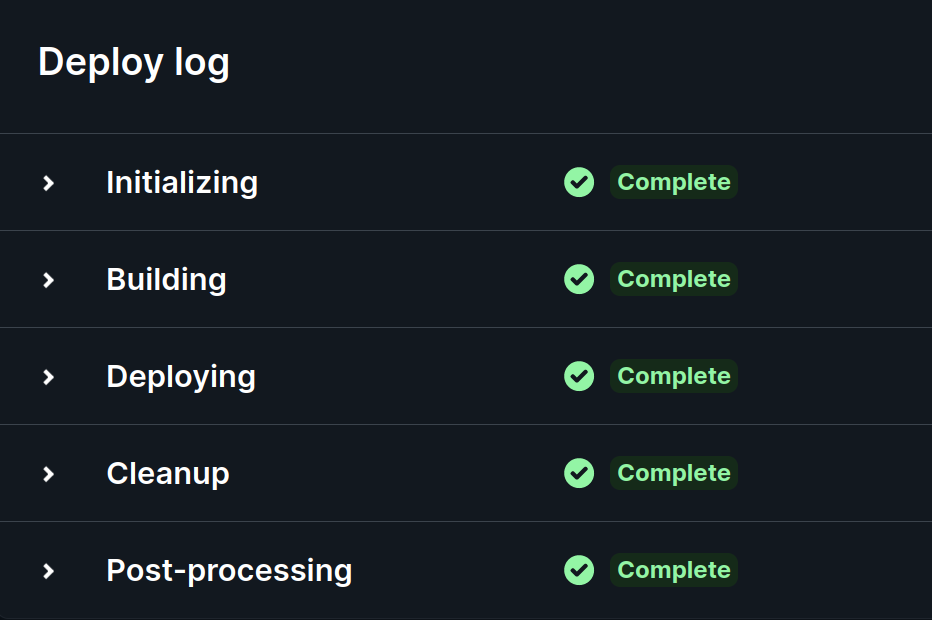
Deploying my Jekyll site to Netlify
So, it looks like this is my first post in this blog. Let’s start off with a brief mention of a problem I encountered while trying to set it up.
Ruby versions on my PC
Jekyll uses the Ruby programming language, and like many similar interpreted languages (e.g. Python, Go, Node.js), it’s important to get the right language version installed before software built on it will work.
The Jekyll documentation says that Ruby versions 2.5.0 and above are supported, but when I tried using the latest Ruby version provided by my OS (2.7.0) to install Jekyll, the gem program complained that a dependency required at least Ruby 3.0.0.
To resolve this, I manually installed the latest published version of Ruby (3.3.0 as of January 2024) with the ruby-install tool, and fortunately Jekyll was able to successfully install with the updated Ruby environment.
Ruby versions on Netlify
For better or for worse, my ordeal with Ruby versions didn’t end with getting my local development environment working. The time came to deploy my site to Netlify (an amazing free static web host), which seems to default to an old version of Ruby (2.7.2, to be specific), meaning that I was once again shown an error message. Fortunately, it was the “good” kind of error message, which clearly states what’s wrong and points you towards a solution (updating Ruby, in this case). Conveniently, Netlify’s docs detail how to set a specific Ruby version using an environment variable or a .ruby-version file. One gotcha was that despite claiming to support RVM’s version specifier syntax, Netlify was only able to fetch Ruby if I’d specified an exact version number: 3.3.0 worked, but 3.3 didn’t.
However, after I’d told Netlify to use the latest Ruby version (3.3.0), I encountered another error that hadn’t happened in my local environment, while gem was trying to install dependencies:
11:32:41 AM: An error occurred while installing google-protobuf (3.25.1), and Bundler cannot
11:32:41 AM: continue.
11:32:41 AM: In Gemfile:
11:32:41 AM:   minima was resolved to 2.5.1, which depends on
11:32:41 AM:     jekyll-feed was resolved to 0.17.0, which depends on
11:32:41 AM:       jekyll was resolved to 4.3.3, which depends on
11:32:41 AM:         jekyll-sass-converter was resolved to 3.0.0, which depends on
11:32:41 AM:           sass-embedded was resolved to 1.69.7, which depends on
11:32:41 AM:             google-protobuf
11:32:41 AM: Error during gem install
11:32:41 AM: Failing build: Failed to install dependencies
The workaround that I found for this issue was to once again change the Ruby version that Netlify uses – I chose to do this by setting the RUBY_VERSION environment variable in my site settings.
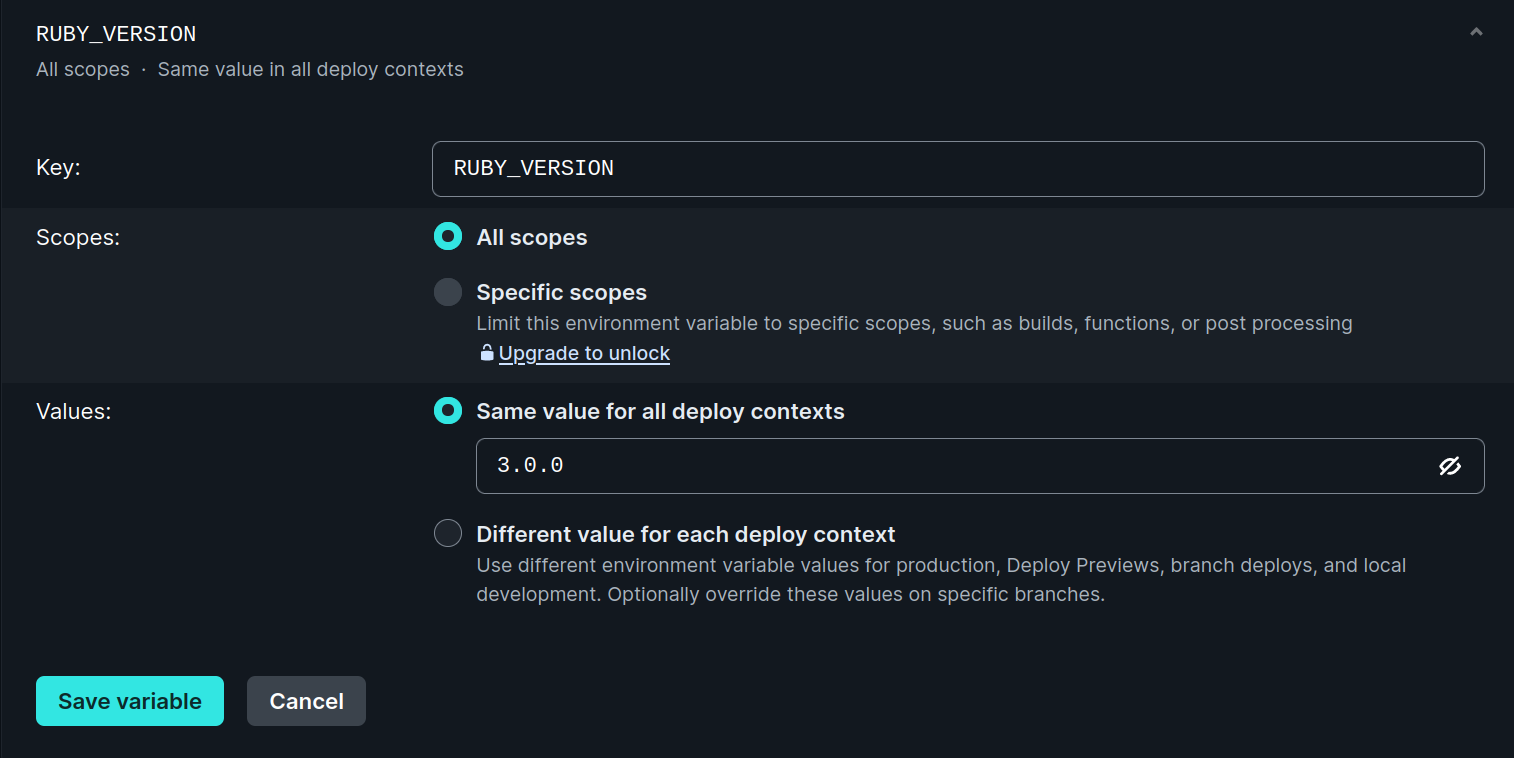
I chose to set it to 3.0.0, i.e. the earliest version that would avoid the issue from earlier. And this worked! The blog is now live, and assuming that I haven’t changed it since this post, the site you’re on right now is powered by Ruby 3.0.0.
🎉